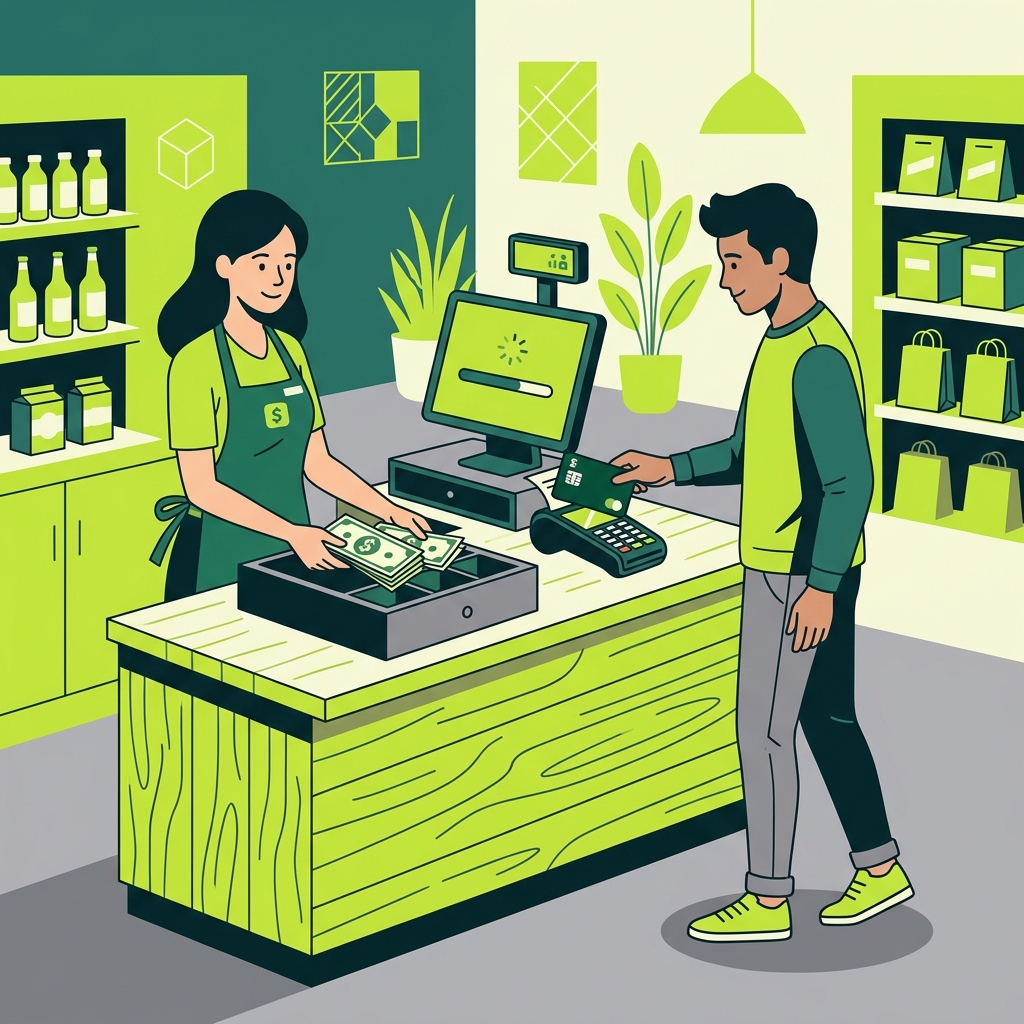
Loading Your Cash App Card
The Cash App card, also known as the Cash Card, is a free debit card linked to your Cash App balance. While there are several ways to add money to your Cash App, not all methods are free. This guide will help you find the best locations and methods to load your Cash App card without paying additional fees.
Free Methods to Add Money
The easiest and most cost-effective ways to load your Cash App card are:
- Direct Deposit: Set up direct deposit from your employer to have your paycheck deposited directly into your Cash App account. This is completely free and gives you early access to your funds.
- Bank Transfer: Link your bank account to Cash App and transfer money electronically. Standard transfers are free and typically take 1-3 business days.
- Receive Payments: Have friends or family send you money through Cash App. Person-to-person payments from a bank account or Cash App balance are free.
Retail Locations for Cash Loading
If you prefer to load cash onto your Cash App card, you can do so at participating retail locations. However, be aware that some retailers may charge a small fee for this service. Common locations include:
- Walmart: Load cash at Walmart customer service counters or Money Centers
- Walgreens: Add cash at participating Walgreens locations
- Dollar General: Load cash at Dollar General stores
- Family Dollar: Available at participating Family Dollar locations
- 7-Eleven: Some 7-Eleven locations support Cash App loading
How to Load Cash at a Store
To load cash at a retail location, follow these steps:
- Open the Cash App on your phone
- Tap the banking icon on the home screen
- Select “Add Cash”
- Enter the amount you want to add
- Tap “Add” and then show the barcode to the cashier
- Hand the cashier the cash amount
Tips to Avoid Fees
To minimize costs when loading your Cash App card, use direct deposit and bank transfers whenever possible. If you must load cash at a retail location, check with the store first about any applicable fees, as these can vary by location and may change over time.